Practice ecommerce decisions with our ecommerce simulator.
Model traffic, conversion, AOV, margin, and cash, turn by turn. No signup. Runs in your browser.
- ✓ No account
- ✓ No email required
- ✓ Data stays on your device
What you'll get:
- ✓ A safe sandbox to test scenarios
- ✓ A dashboard that scales from simple to advanced
- ✓ Faster intuition for unit economics
The Ecommerce Simulator
A safe sandbox to practice traffic, pricing, retention, and cash, then go deeper with articles on the blog and glossary.
Metrics for each stage
Awareness
Views, impressions, and brand awareness.
View articles & case studiesAcquisition
Website traffic, cost per acquisition (CPA), and lead conversion rate.
View articles & case studiesActivation
First-order conversion, add-to-cart and checkout completion, time-to-first-purchase, and 30-day second-order rate.
View articles & case studiesRetention
Repeat purchase rate, time-to-second-order, cohort curves, and refund rate (not SaaS churn or DAU/MAU).
View articles & case studiesMonetization
Revenue per visitor (RPV), average order value (AOV), ARPU, and contribution-based customer lifetime value (LTV).
View articles & case studiesPopular guides
Free guides that pair with the Ecommerce Simulator: profitability, forecasting, and growth fundamentals.
Frequently asked questions
Quick answers about Growthegy and how to use it.
What is Growthegy?
Do I need to pay to use Growthegy?
Who is Growthegy for?
What should I do first?
TL;DRWhat is Growthegy?
Growthegy helps ecommerce owners practice, benchmark, and decide what to do next using real data.
- Practice: run the ecommerce simulator to learn how traffic, conversion, AOV, margin, and ad spend interact.
- Learn: follow guides and learning paths to build fundamentals without paid tools.
- Read: browse the blog for tactics, case studies, and benchmarks.
Key terms (quick definitions)
- Ecommerce simulator
- A sandbox that models a store so you can change traffic, conversion, AOV, margins, and ad spend to see what happens without risking real budget. Try the ecommerce simulator.
- Unit economics
- The math that determines whether an ecommerce business can profitably acquire customers: AOV, gross margin, CAC, and LTV. Start with unit economics, then practice in the simulator.
Benchmarks & sources
Some tools reference widely cited ecommerce research and industry benchmark reports. If you want to verify assumptions or go deeper, start here:
Latest from the blog
Guides on ecommerce unit economics, paid acquisition and growth mechanics—written for people who want the reasoning, not just the number.
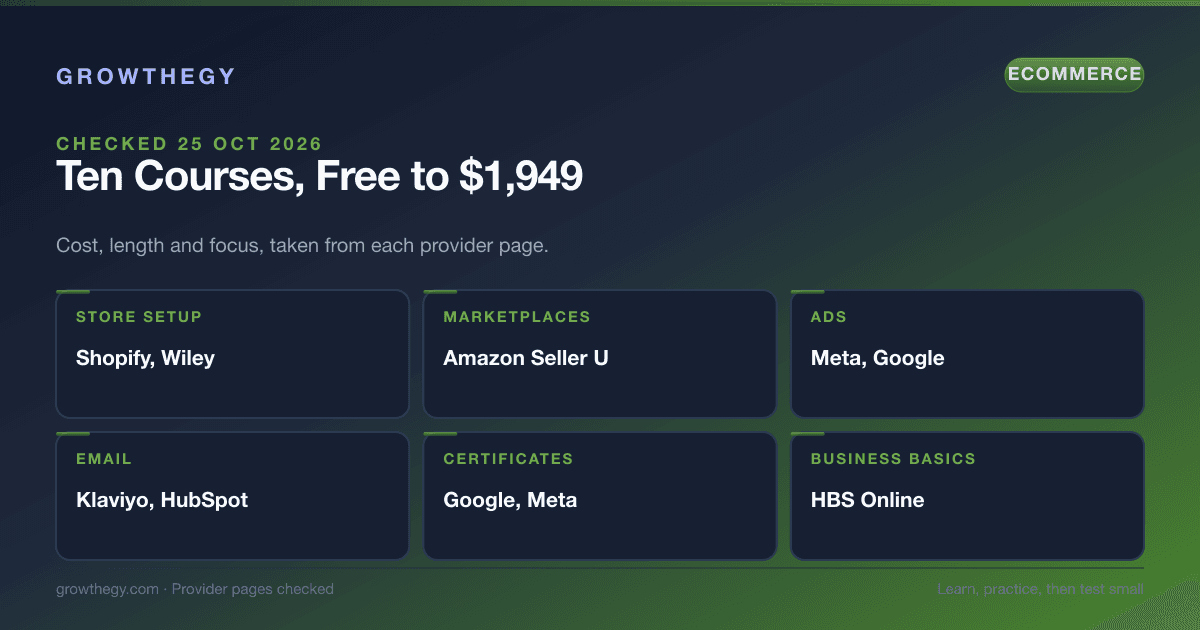
Top 10 Courses to Learn Ecommerce (Checked October 2026)
Ten courses to learn ecommerce, from free platform training to certificates, with cost, length and what each teaches, taken from provider pages checked 22 to 25 October 2026.
Read article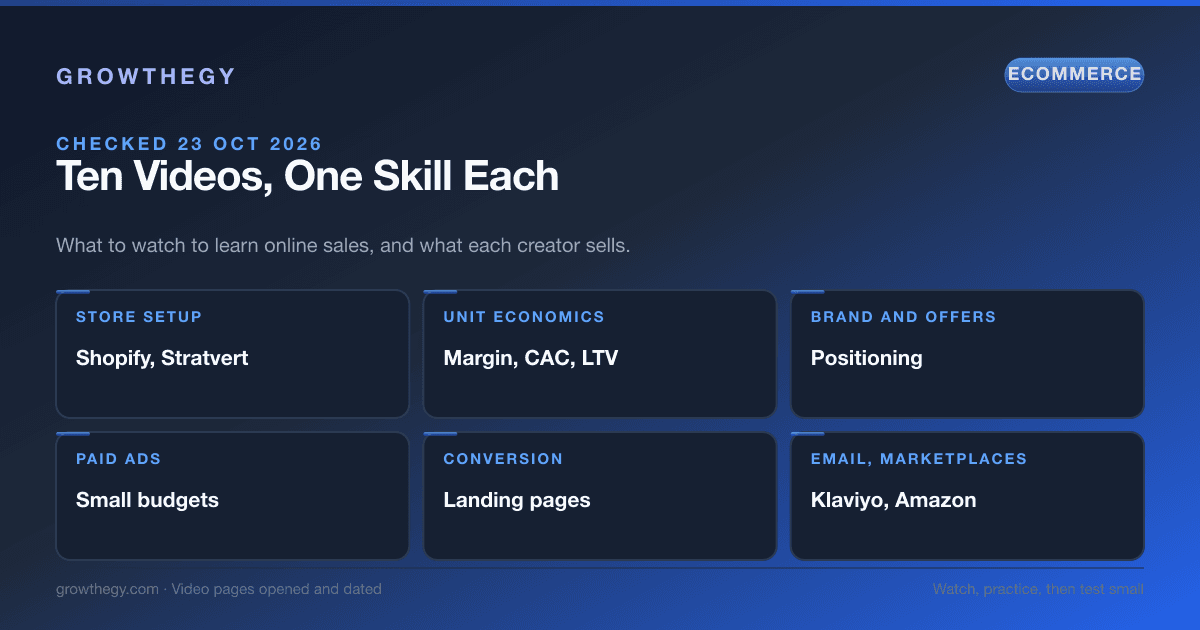
Top 10 YouTube Videos to Learn Online Sales (Checked October 2026)
Ten YouTube videos to learn online sales, one skill each: store setup, unit economics, ads, conversion, email and marketplaces. Dates, lengths and what each creator sells, checked 23 October 2026.
Read article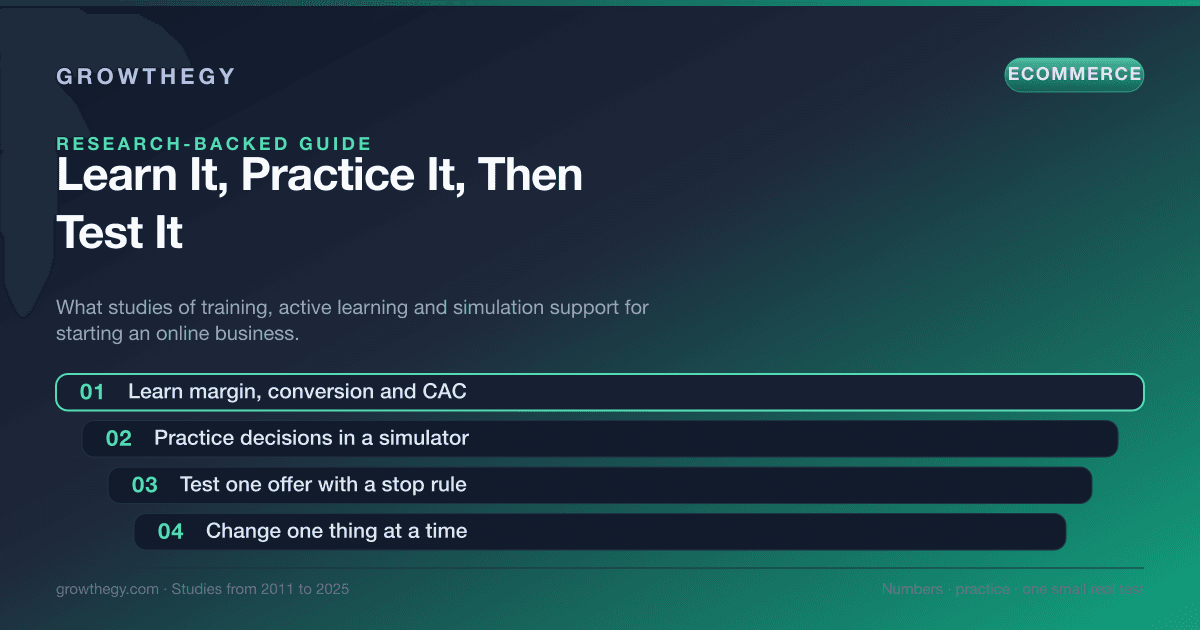
How to Learn Ecommerce and Start an Online Business: What the Research Says (2026)
How to learn ecommerce and start an online business: what studies on training, active learning and simulation say, the numbers to learn first and a four-step plan.
Read article